

How to watch worldwide TV on your Smart TV?
How to watch TV from around the world: The ultimate guide for your Smart TV Introduction
4/21/20261 min read


Many people believe that to watch worldwide channels, they need an expensive high-end television. The reality is that many Smart TVs use closed systems (like Tizen or WebOS) that limit the apps you can install. The solution? Unlock your TV with an external streaming device.
If you want a complete streaming experience, we recommend switching to an Android TV or Google TV system. These platforms allow you to install any app without restrictions.
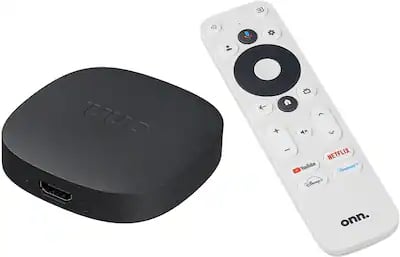
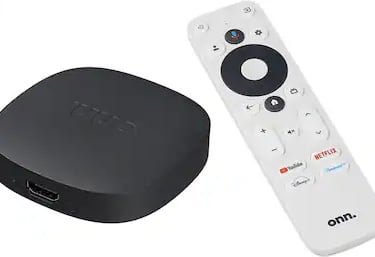
Our top recommendation is the ONN 4K TV Box. It is affordable, fast, provides official access to the Google Play Store, and turns any screen into a high-level entertainment hub.
Why choose an Android/Google TV Box?
Freedom: Install your favorite streaming apps without relying on limited TV app stores.
Performance: These devices offer a faster, smoother interface.
Quality: Enjoy 4K content with guaranteed stability.
Conclusion: Don't replace your TV; upgrade its "brain." With an Android TV device, you can install PowerStream TV and access our full catalog of channels, movies, and series.